In the editor
Built for editing on-screen video text
A purpose-built video text editor that gives you full control over embedded text — without source files, an editing suite, or a rebuild.
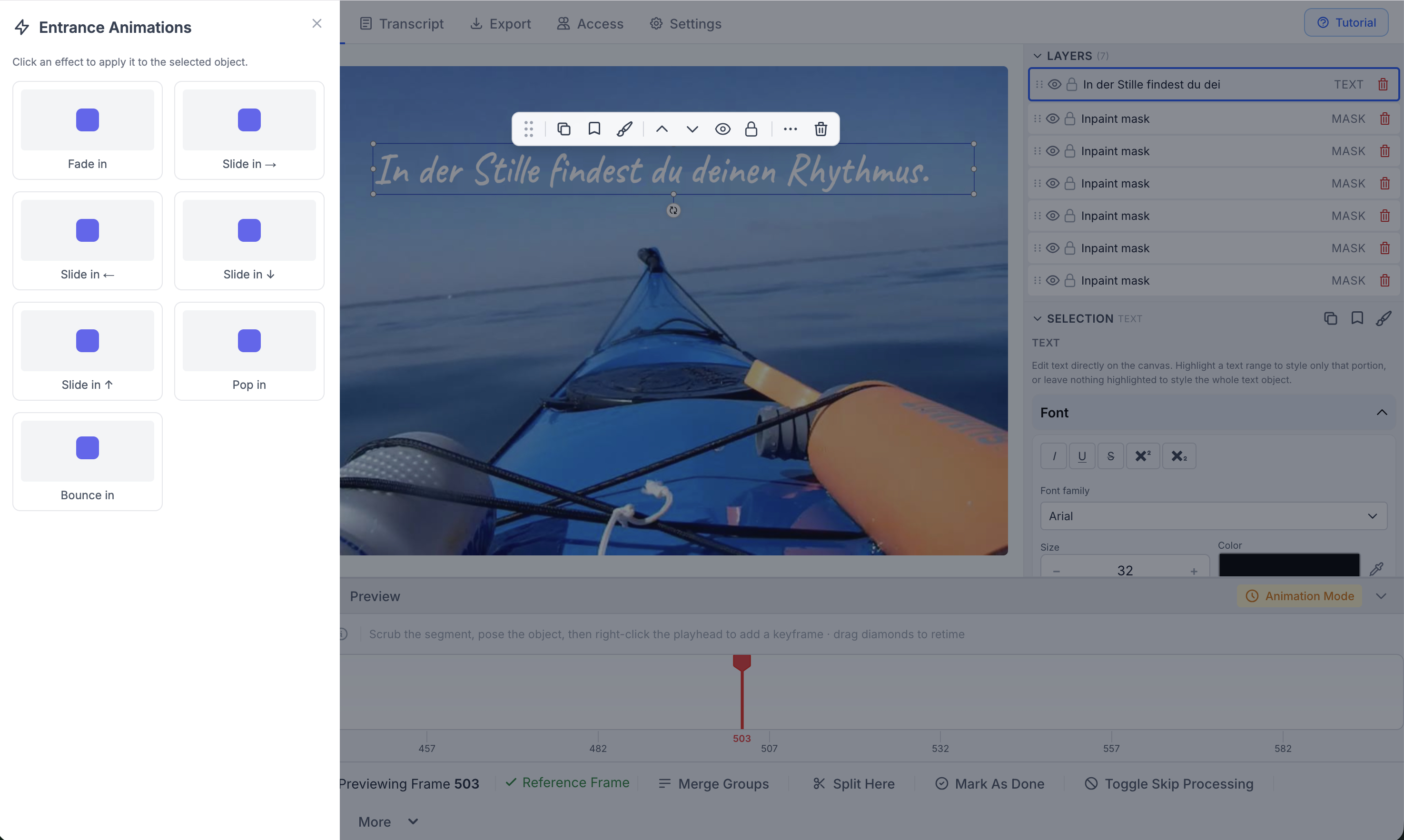
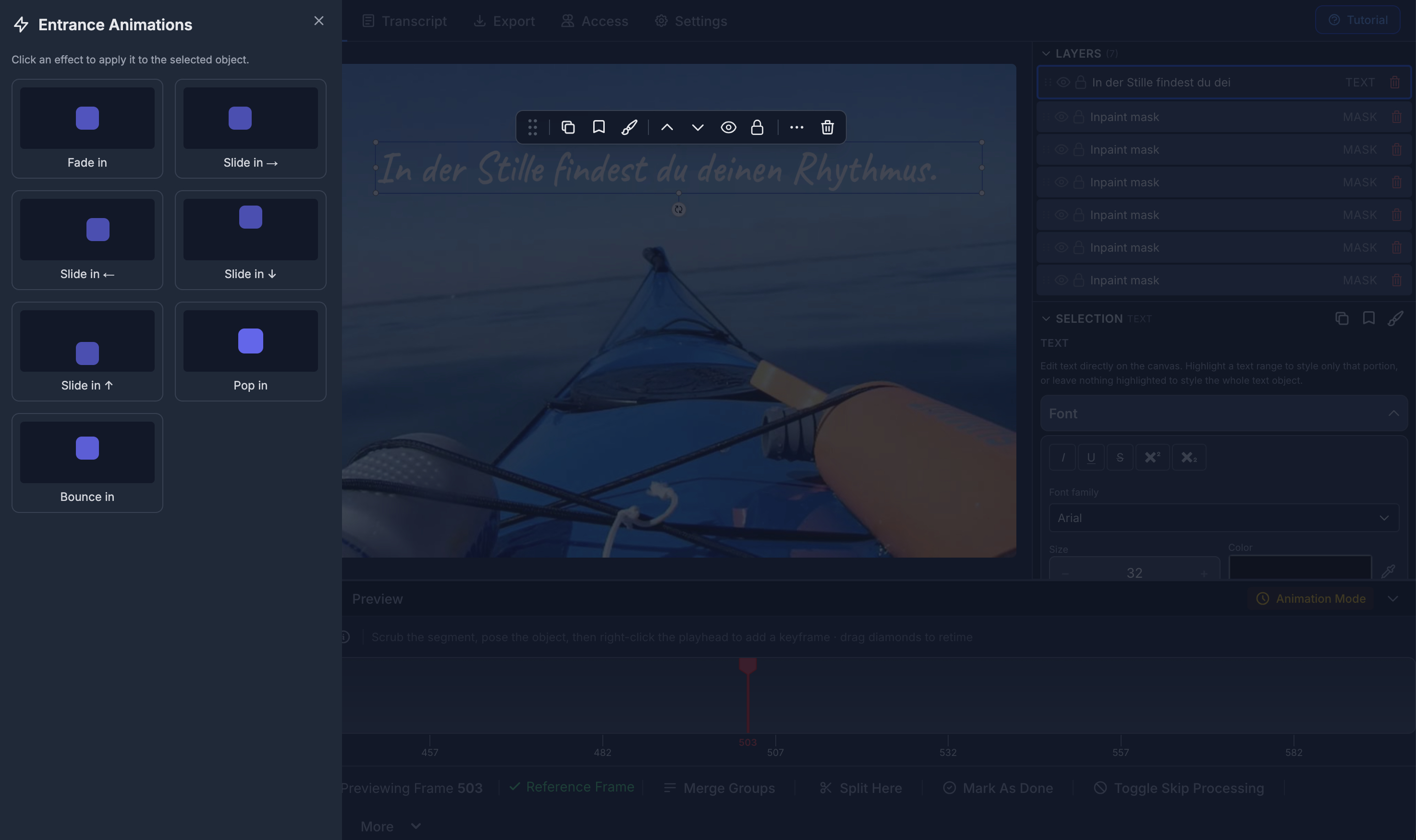
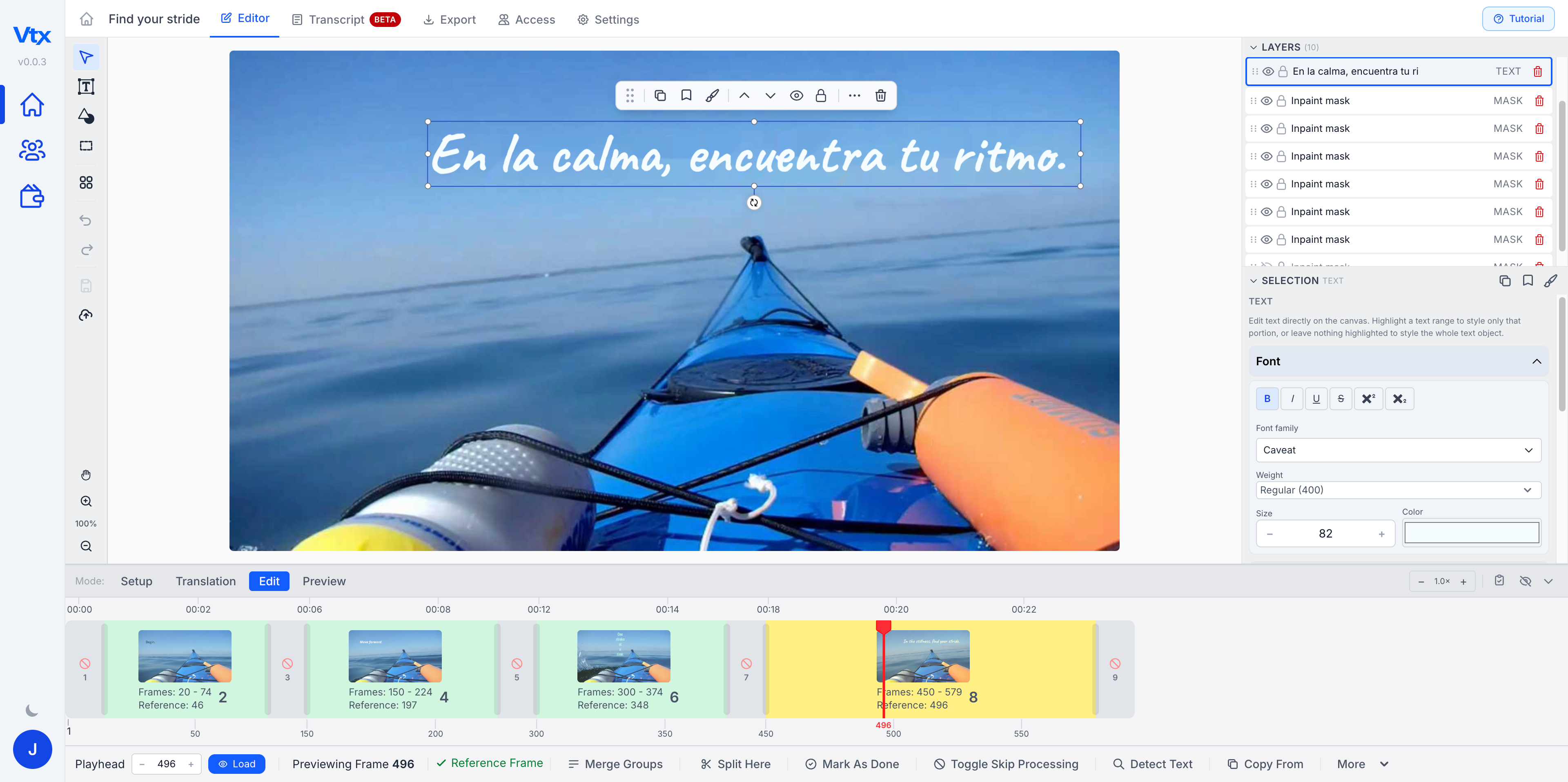
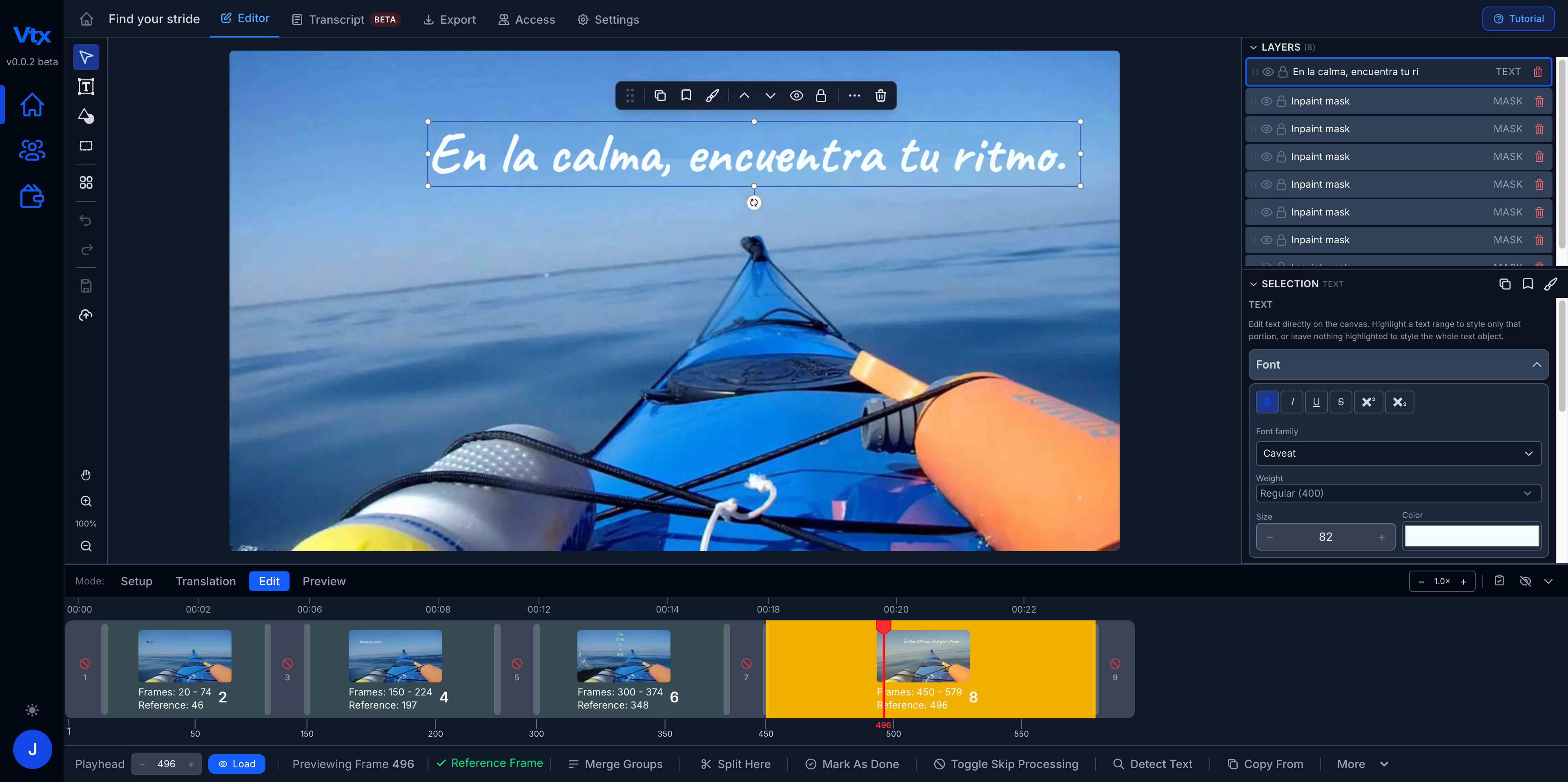
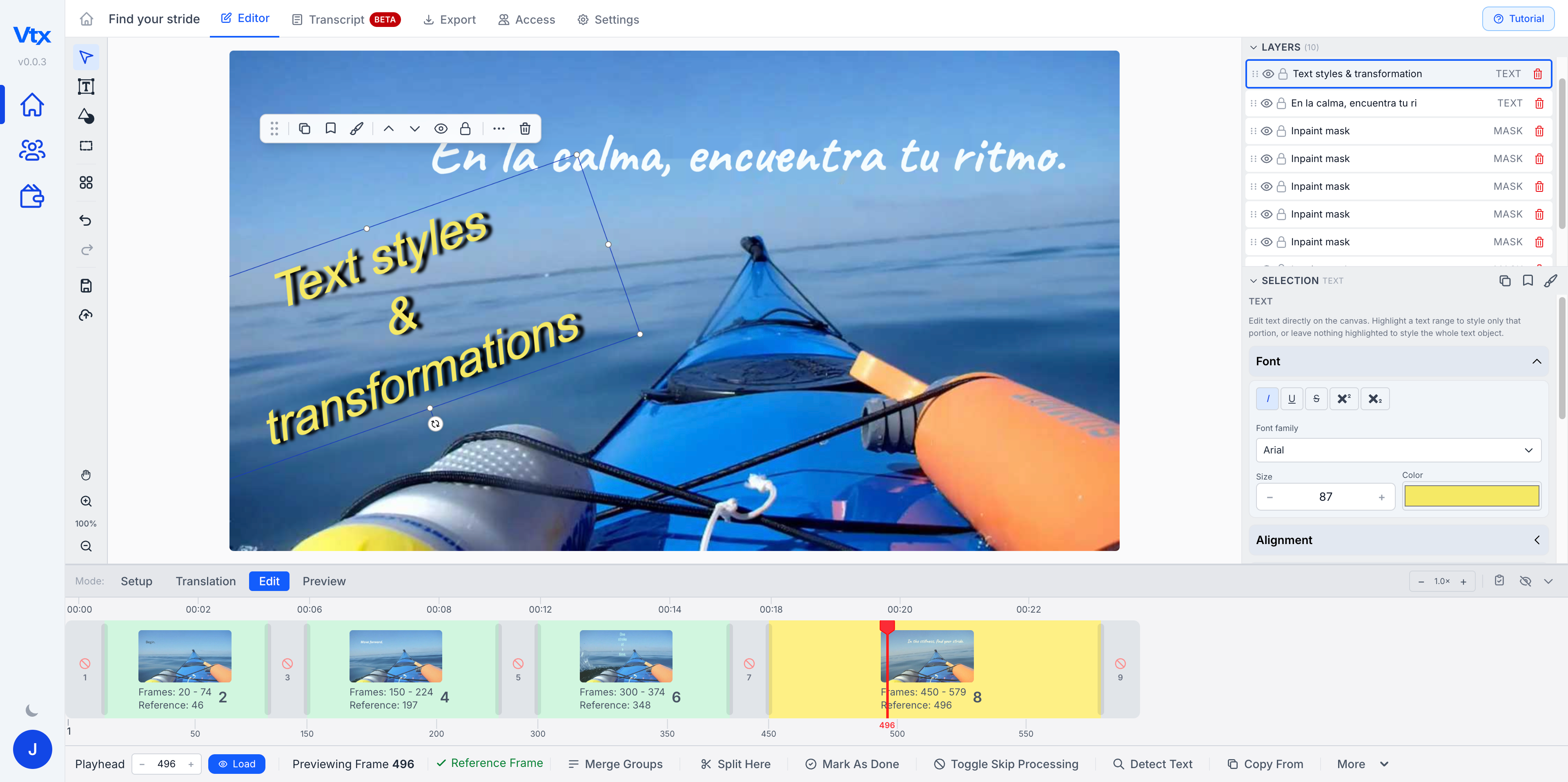
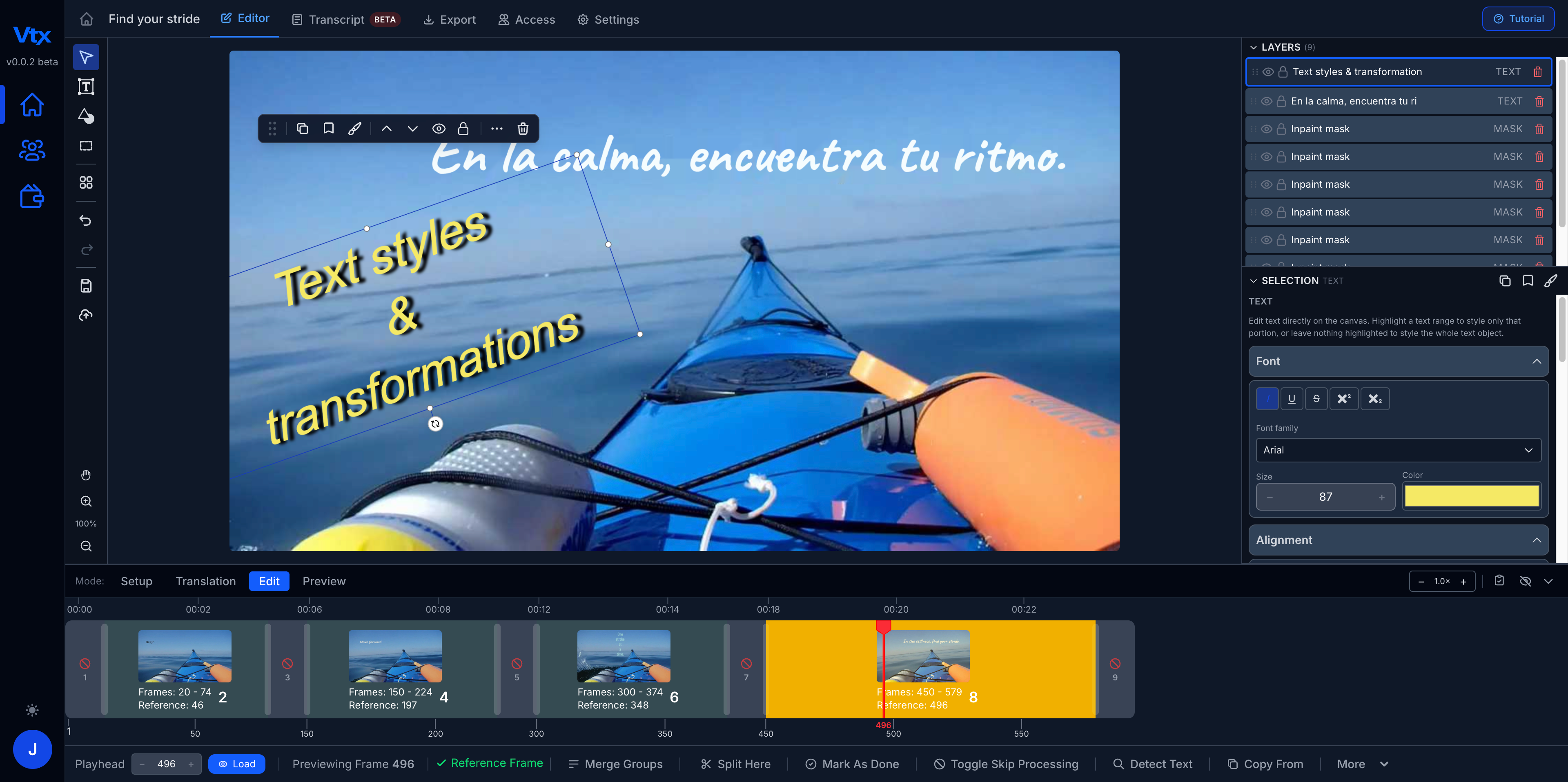
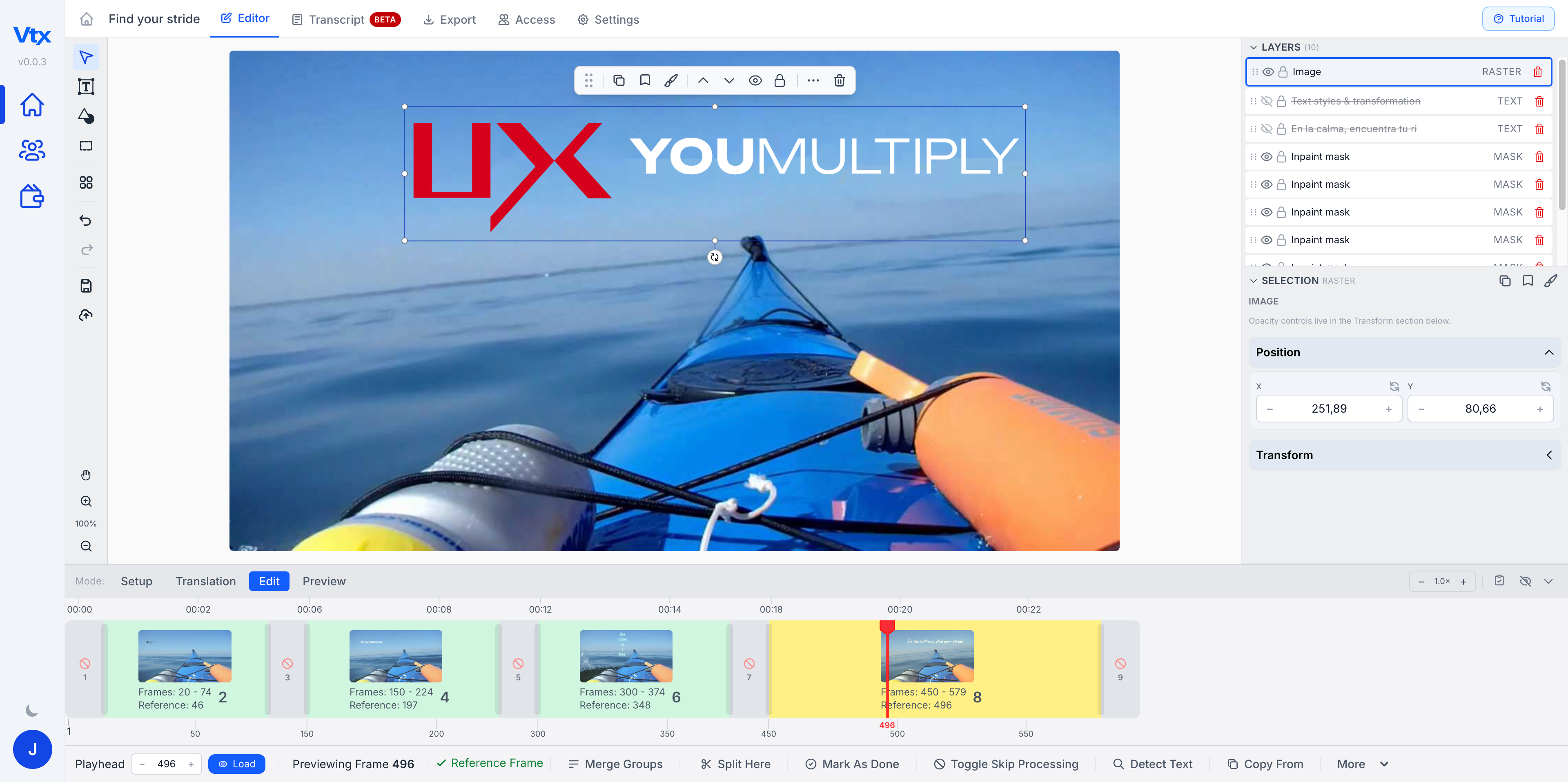
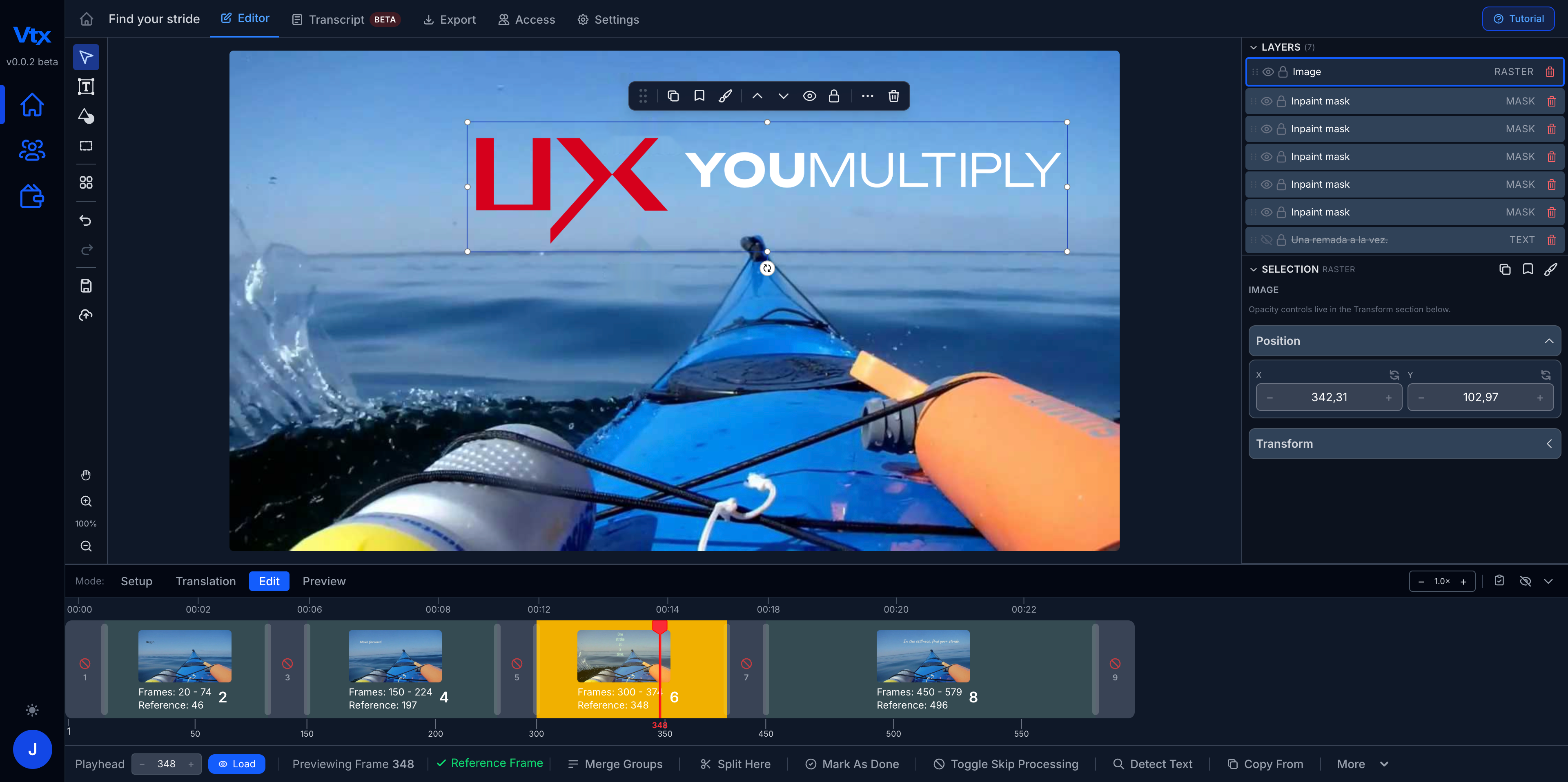
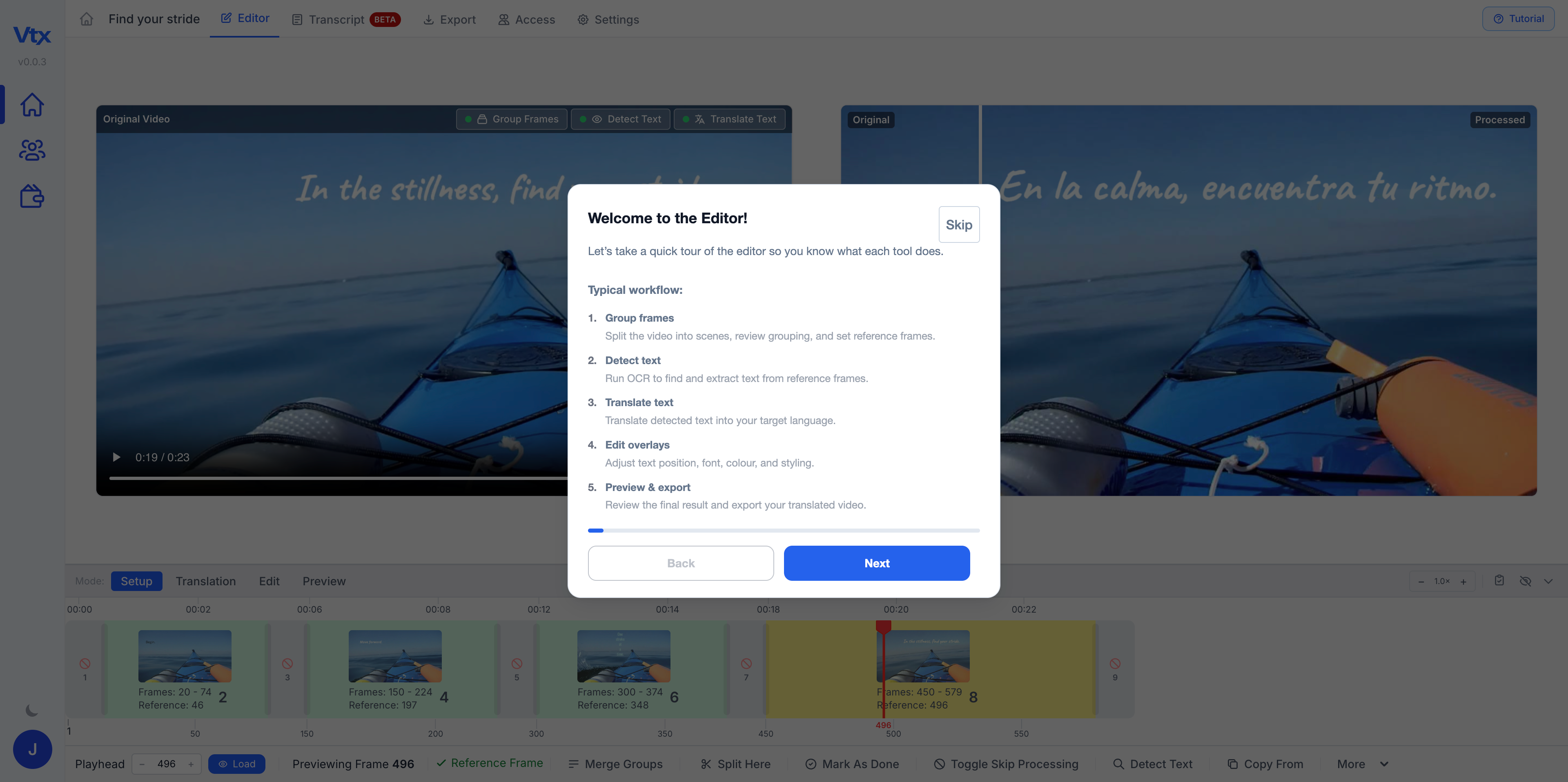
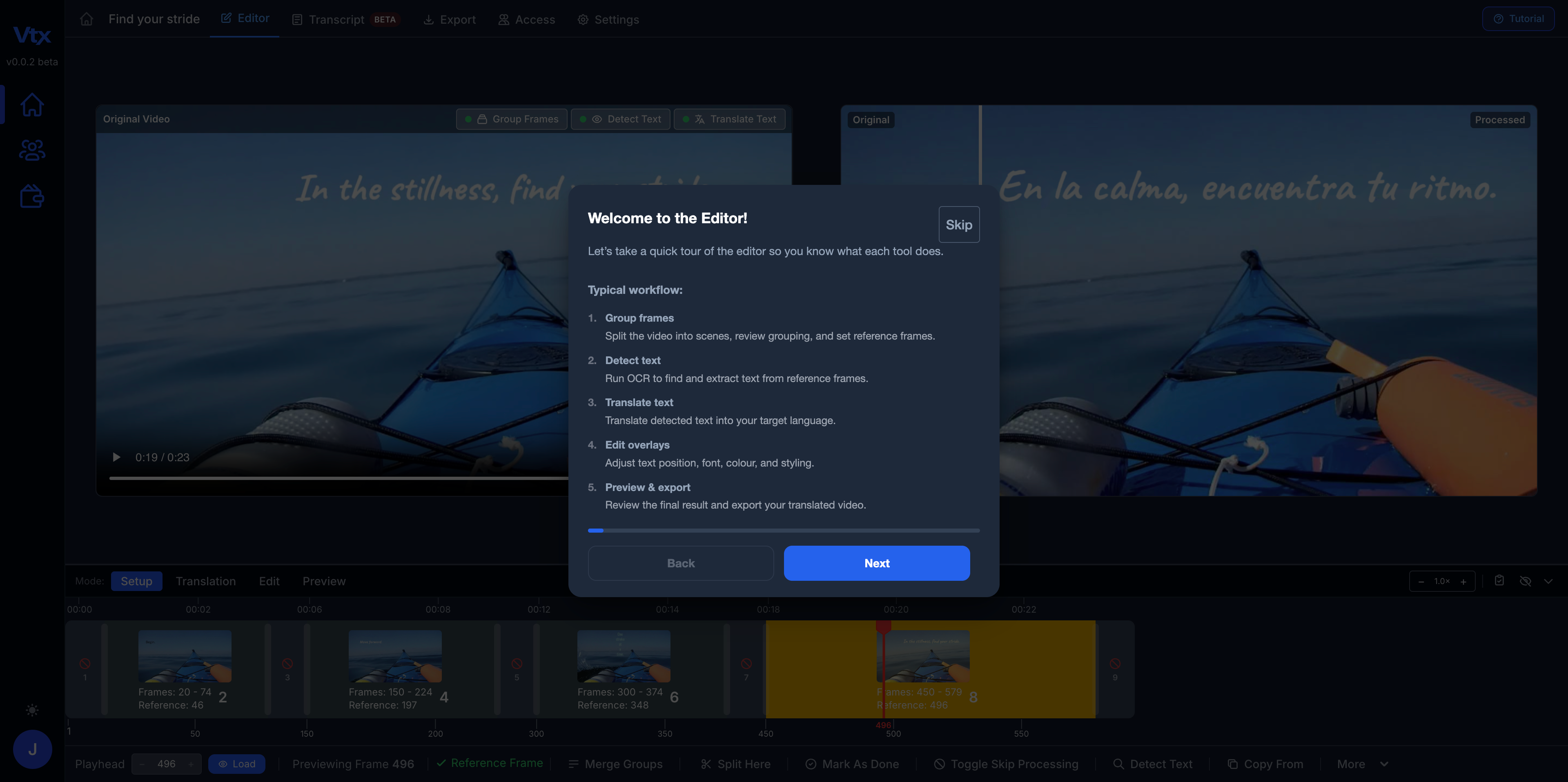
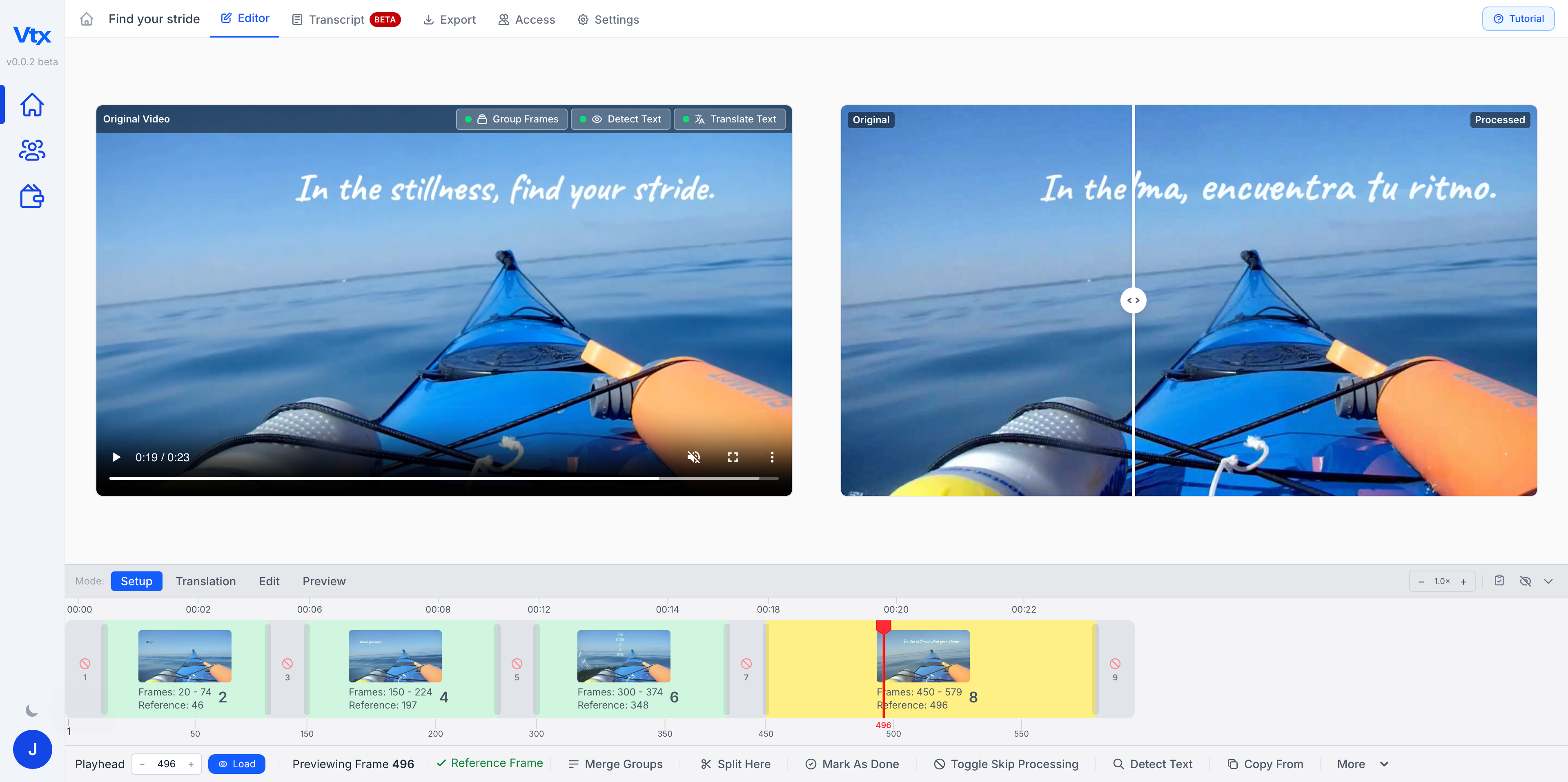
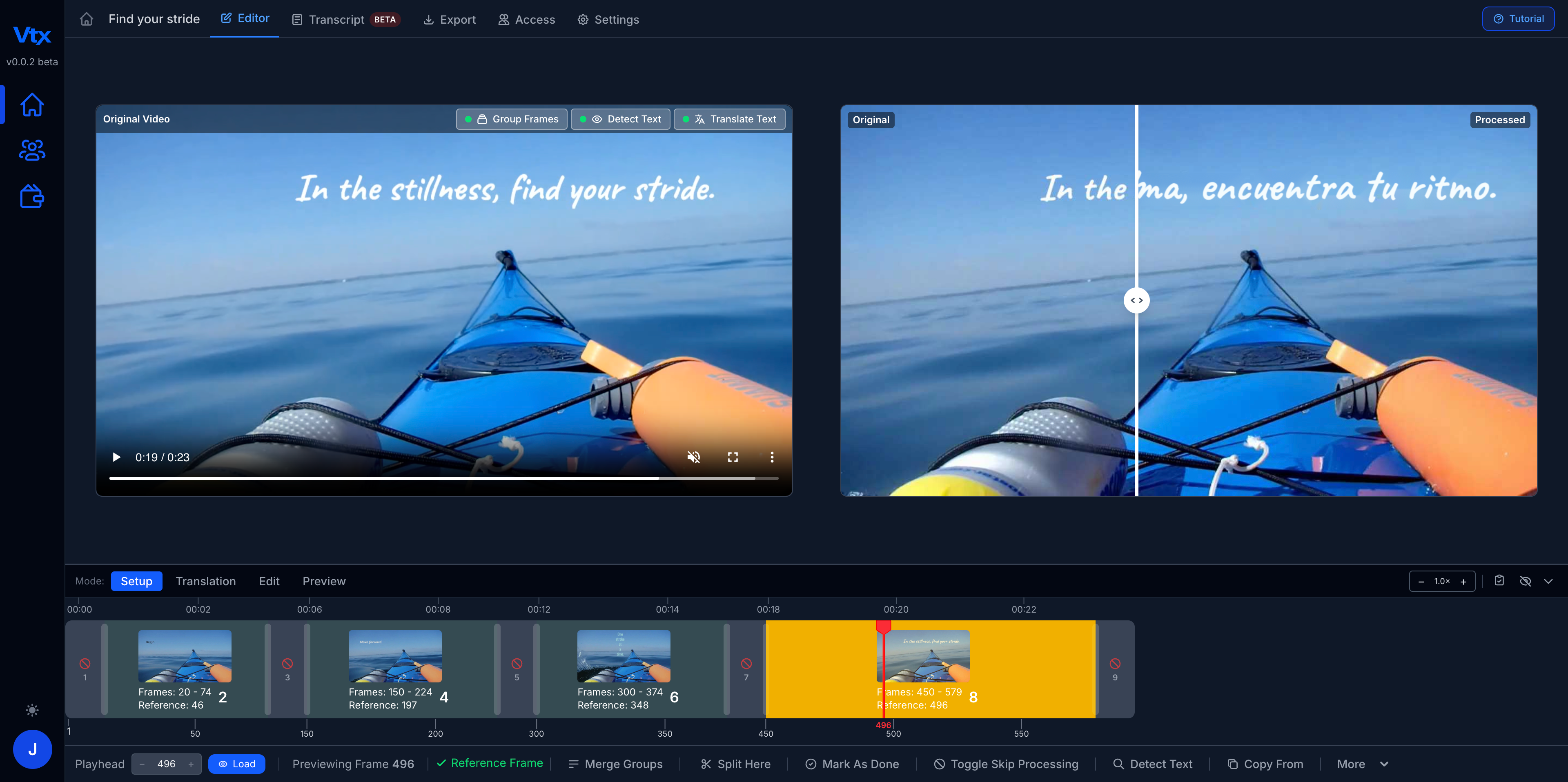
Vtx extracts and replaces embedded text from any finished video. Update company info, refresh outdated content, customize for any audience. No source files, no editing software, no rebuild. Built for translation from day one — edit one video, then duplicate it for every language.
Month 1: $490 $29 · then $490/month · cancel before then and pay nothing more
No editing timeline. No font files. No original project required.
Drop in any rendered video file — MP4, MOV, or AVI. No source files, no editing project, no software install required.
The platform scans frame-by-frame to detect and lift every piece of embedded text — titles, lower thirds, captions, labels, and graphics.
Replace or rewrite any on-screen text directly. Adjust font, size, position, colour, and timing so every edit matches the original design exactly.
Download your finished video. Every overlay is saved — update the text for the next version and export again in minutes, not days. Perfect one video, duplicate it, and just change the language: a single edit becomes a whole set of translations or custom versions.
Every feature exists to get you from a finished video with locked-in text to an updated, export-ready version — in less time.
Vtx automatically identifies and extracts every piece of embedded text — titles, captions, labels, lower thirds, and on-screen callouts — from any finished video file.
Replace, update, or rewrite any on-screen text directly. Change a company name, fix an error, customize for a client, or swap in a different language — all from the same project. Now supports animated and moving text.
Build your text overlays once and reuse them across versions and languages. Update the text, export again — no rebuilding, no timeline, no starting from scratch.
Fine-tune font, size, position, timing, color, and background so every edit matches the original design exactly — pixel for pixel.
A purpose-built video text editor that gives you full control over embedded text — without source files, an editing suite, or a rebuild.
Whether you're a global corporation, a solo creator, or a university — if your video has text, Vtx can edit it.
Update company info, refresh outdated content, and customize on-screen text across training videos, product demos, and marketing assets — without touching the original project.
See how it's done →Correct on-screen text, update lower thirds, and swap out graphics across video packages in minutes — not hours. Keep published content accurate after the fact.
See how it's done →Customize titles, callouts, and on-screen text for different audiences, campaigns, or sponsors — without re-editing or exporting from scratch.
See how it's done →Keep course videos accurate as curricula evolve. Update names, dates, terminology, and on-screen text in finished recordings without rebuilding the original edit.
See how it's done →Here's what users from Teach Every Nation have to say about Vtx.
"Vtx has been helpful to improve TEN Translations' translated courses by enabling students to view on-screen graphics' text in the translation language. This creates a more immersive experience for the viewer and enhances understanding of the content being taught. Though some learning is required, the tool can be used by anyone, even those with no prior video editing experience. I believe Vtx will be valuable to any ministry with a need to improve their video content by adding or adjusting on-screen text/graphics in pre-recorded video content. Moreover, the support team is helpful, quick to respond to queries and professional in their interactions."
"Vtx is very helpful in our quest to translate Teach Every Nation's Bible-based curriculum into a wide range of languages, making our translated lessons more engaging to a global audience. The tool has been refined in a way that offers the end user a clean product... The YouMultiply team has been very helpful and swift to support, when needed. I would recommend Vtx to anyone seeking a fairly quick and easy way to create immersive content across different languages."
"My experience on the updated version of Vtx has been largely positive. There are now many more functions that have greatly improved the workability. I can focus on adding foreign text into the videos more easily..."
Save $461 on your first month — a limited time offer. Renews at $490/month; cancel before then and only pay $29 (charged upfront). Book your onboarding meeting where we'll give you a walkthrough and get you started.
Normally $490 a month
Save $46194% off your first month
Then $490/month. Cancel before your renewal and only pay $29 — charged upfront.
Charged $29 today: your first month for $490 $29 plus 0 seats at $29 each. Then $490 a month, starting one month from today, unless you cancel first.
Add teammates at sign up: $29 each, and they renew at $29 each. Limited time offer.
Charged today: $29 · then$490/month
Need more than 10 seats?